
RLSS UK Account User Interface v4.2 Instructions (2024)
vimeo embedding
1. Login to your RLSS UK account and navigate to the provider where you want to advertise a job.
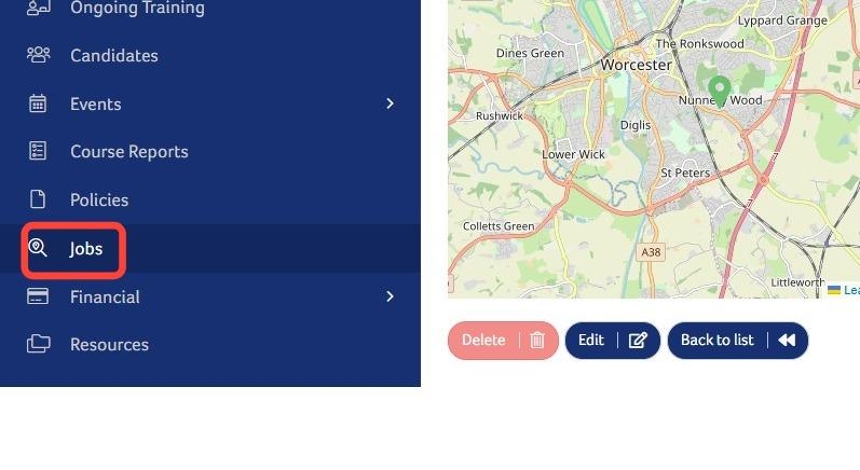
2. Click here.
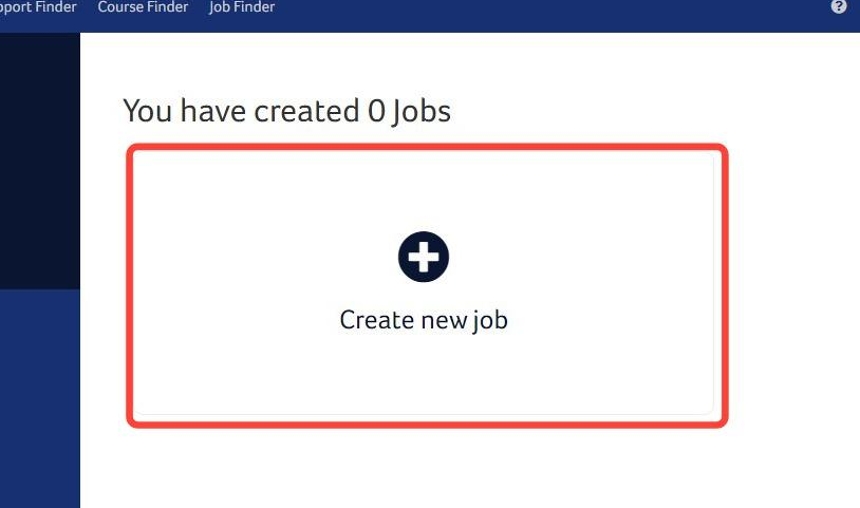
3. Click "Create new job".
4. Click this text field.
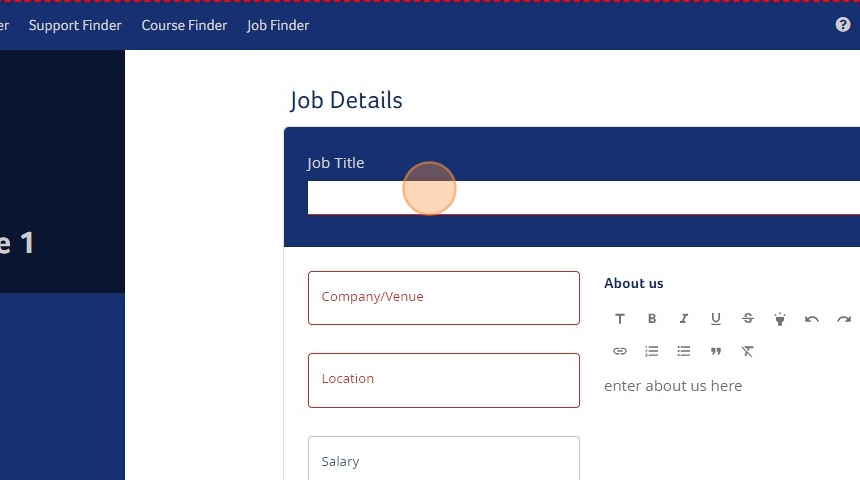
5. Type "Lifeguard"
6. In the advert please complete the fields as fully as possible. Job title, Company/Venue, Location, Advertisement Start Date and Advertisement End Date are mandatory fields.
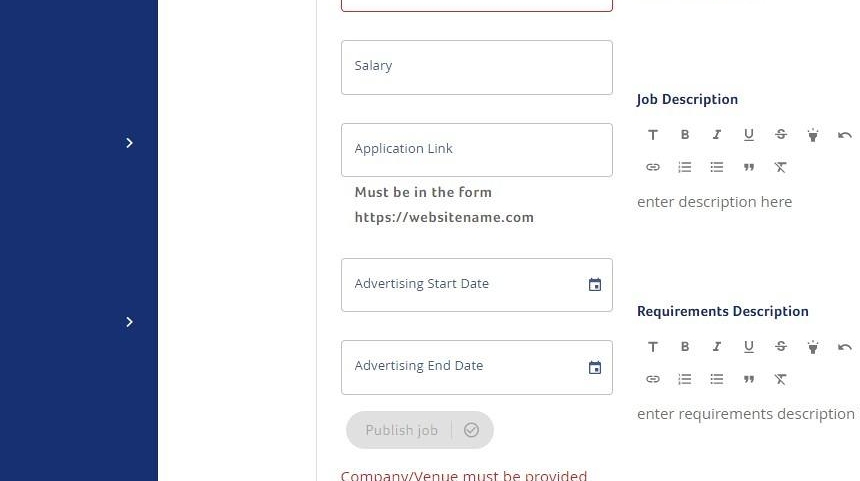
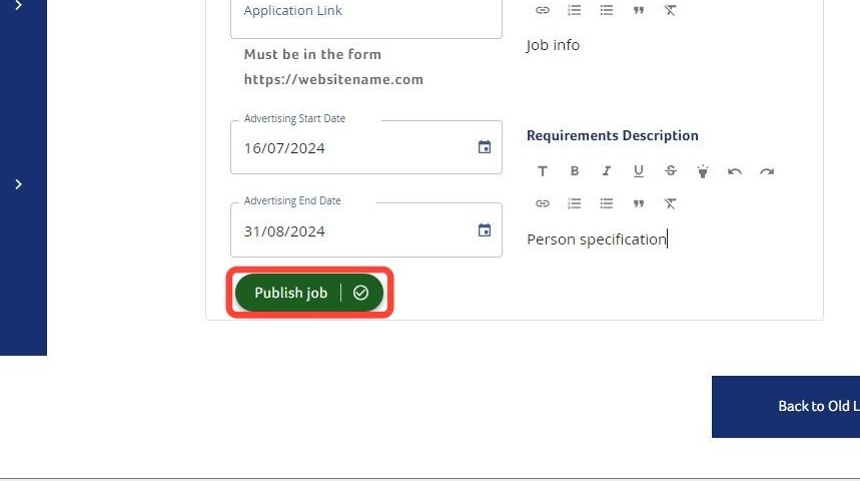
7. When you are finished click "Publish job".
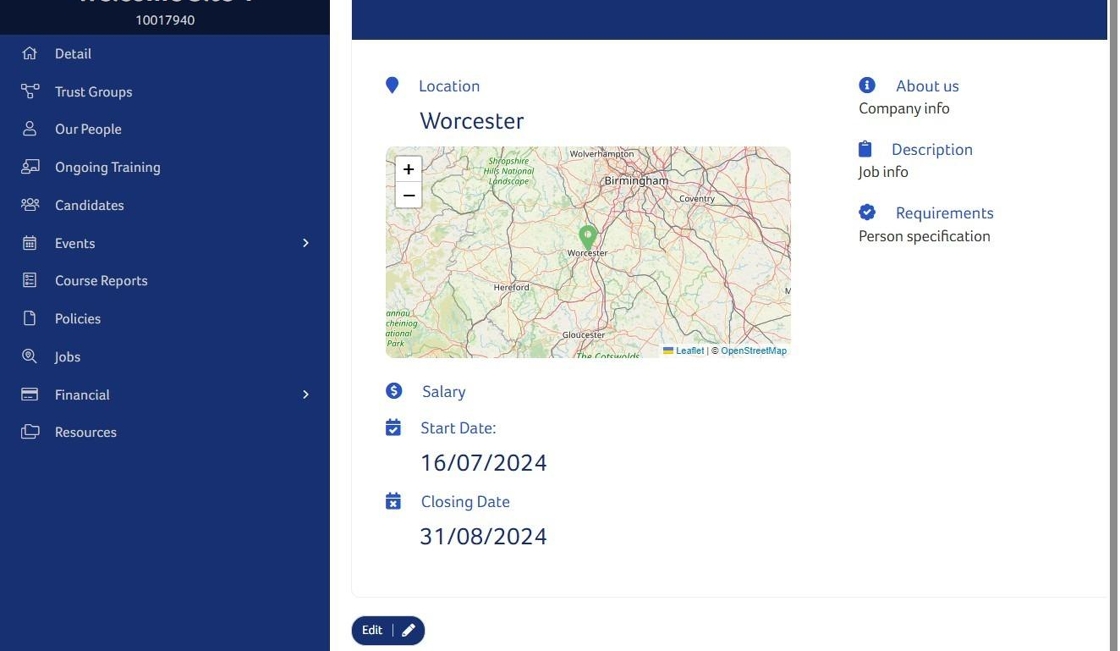
8. The finished advertisement will look similar to this.
Need More Information?
Qualifications and Awards | Water Safety Advice | My RLSS UK
For more ways to contact us, visit www.rlss.org.uk/contact-us.